Microsoft Fabric Hands-On Lab Index
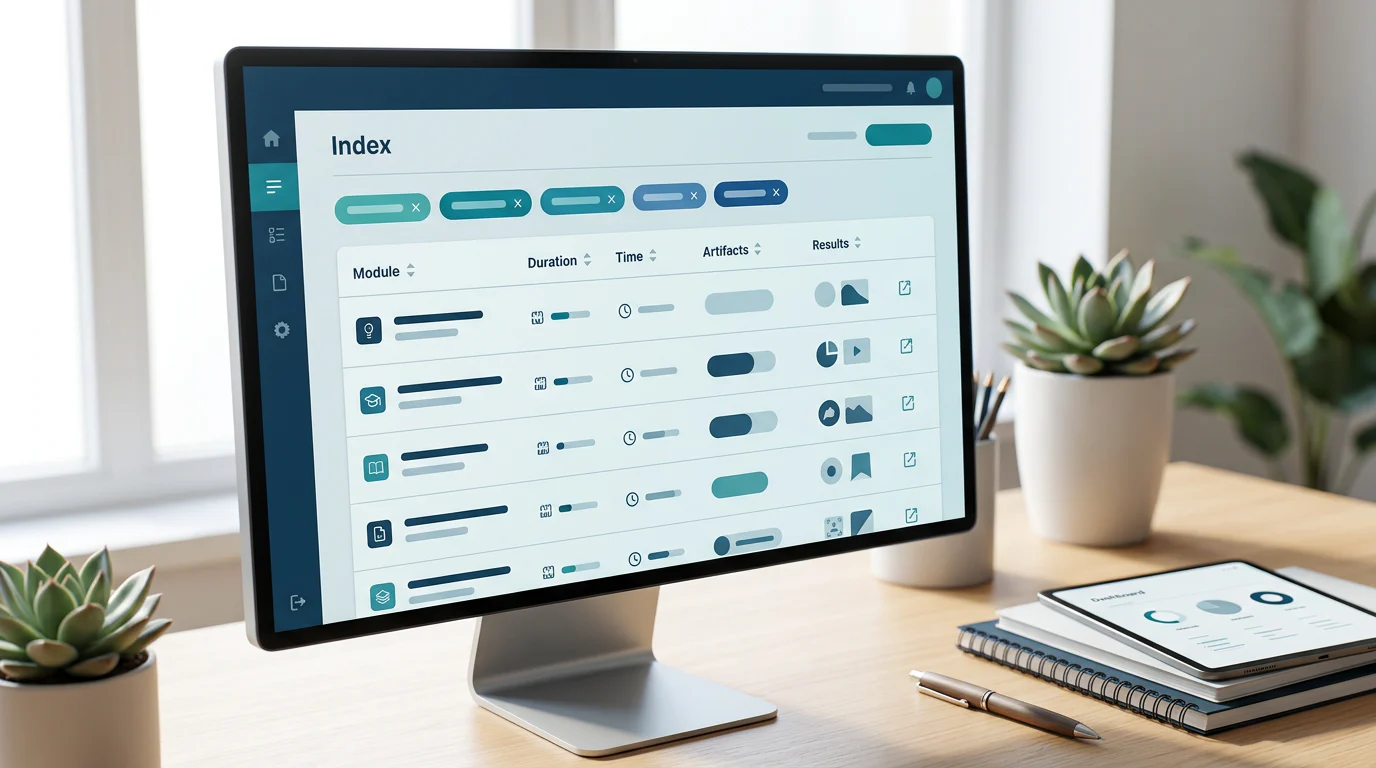
Browse Microsoft Fabric hands-on labs by workload, scenario, duration, prerequisites, code, production realism, and deliverable.
Microsoft Fabric Hands-On Lab Index
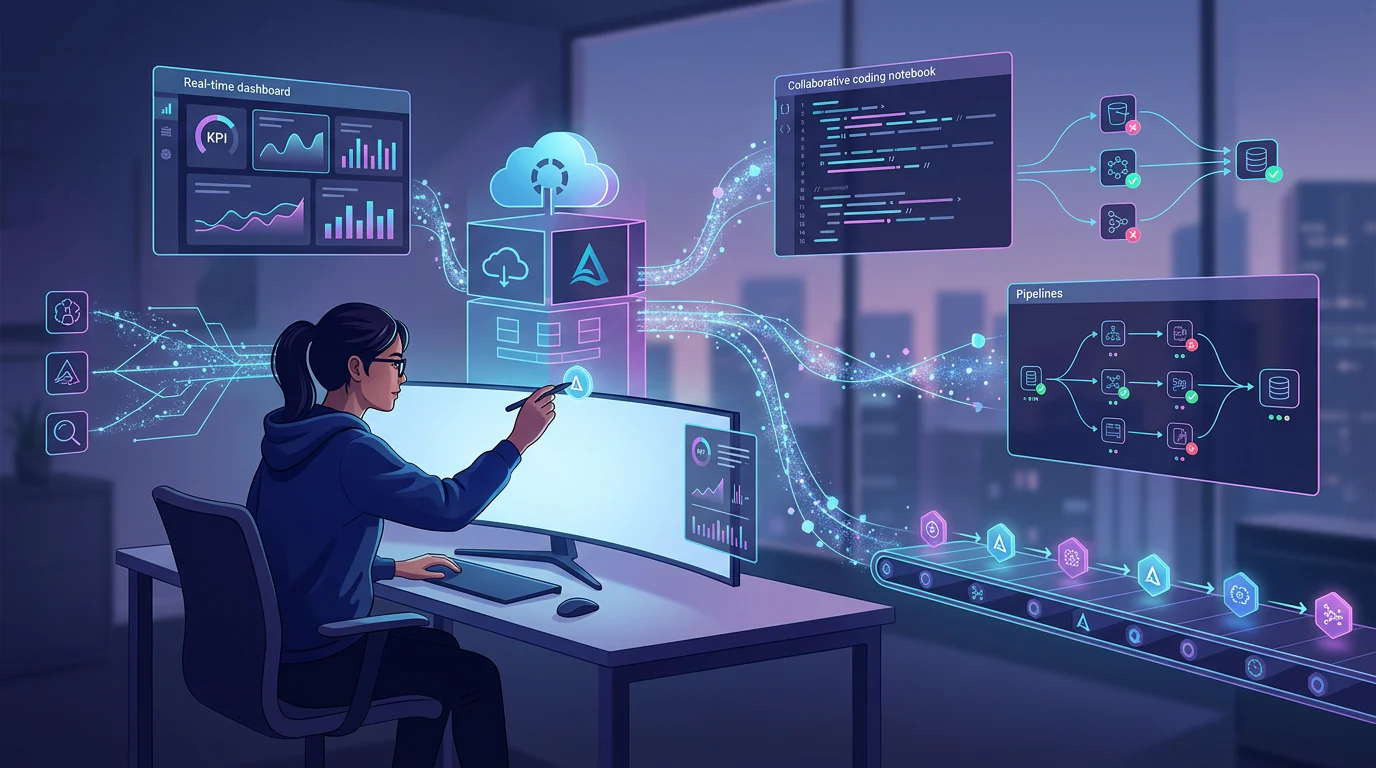
A Fabric trial currently lasts 60 days, enough time to complete a deliberate sequence of labs instead of collecting disconnected exercises. The useful question is not whether a lab exists, but whether it produces evidence of a skill you can reuse.
Microsoft Fabric hands-on labs are most valuable when they make you build and troubleshoot an end-to-end artifact, not merely repeat interface clicks. Choose by workload and scenario, then check for realistic source data, medallion layers, Delta tables, orchestration, security, monitoring, failure handling, code access, and a business-facing output.
We built this index to help you choose a route, browse the right exercises, assess realism transparently, progress beyond guided work, and turn a completed lab into credible implementation evidence.
Which Microsoft Fabric Lab Route Fits Your Goal?
A sensible route begins with the output you need to create, not the badge or course label attached to a module. A learner building confidence with Fabric should finish with a Lakehouse and report. Someone preparing for data engineering work needs ingestion, transformations, orchestration, monitoring, and access controls in the same practice sequence.
For context on how these workloads fit together, see unified analytics. We use the routes below to prevent a common problem: completing a short exercise without knowing what should come next.
| Goal | Start With | Then Add | Evidence To Keep |
|---|---|---|---|
| Beginner | Lakehouse creation | OneLake shortcut and Power BI report | Delta table, shortcut, report |
| DP-600 Candidate | Lakehouse and Warehouse | Semantic model and Data Science notebook | Queries, model, report, notebook |
| DP-700 Candidate | Data Factory ingestion | Spark, Delta, monitoring, security | Pipeline, notebook, run history |
| Practitioner | End-to-end scenario | Tests, deployment, alerts, recovery | Architecture, code, runbook |
Which Route Matches a Beginner Starting Point?
Begin with the Lakehouse route: create a Lakehouse, ingest data, query it with SQL or Spark, then produce a report. The official Lakehouse learning path includes a 30-minute creation exercise, a 45-minute Spark exercise, a 40-minute Delta exercise, and a 45-minute medallion exercise. Our Lakehouse engineering guide explains why those artifacts belong together instead of being treated as isolated product features.
What Should a DP-700 Practice Route Cover?
The current DP-700 study guide divides measured skills into implementation and management, ingestion and transformation, plus monitoring and optimization. Each area represents 30 to 35 percent of the skills outline, so a route that ends after building a pipeline is incomplete.
Use Data Factory to ingest data, Spark or SQL to transform it, and monitoring plus access controls to prove operational readiness. Keep screenshots of successful and failed runs, the pipeline definition, a transformation notebook or script, and a short explanation of how you would investigate a break.
What Does a Practitioner Need Before Starting?
Check the environment before you spend time on a lab. Most Fabric exercises need a workspace with capacity assigned, appropriate permissions, and downloadable sample data. Some workshops additionally require an Azure subscription or a prepared tenant.
A short preflight is worth doing because it separates a learning problem from an environment problem. Confirm the capacity, contributor role, source files, code repository, preview settings, and expected output before starting. For a deeper view of shared data architecture, see one governed Lakehouse.
How Do You Browse Microsoft Fabric Hands-On Labs?
We organize the index around the work you want to practice. Filters should include Lakehouse, Warehouse, Data Factory, Data Science, Real-Time Intelligence, Power BI, OneLake, and governance. Scenario tags should include retail, finance, IoT, marketing, supply chain, and generic demonstrations, even when a current source does not yet provide a validated lab for every tag.
Each record needs a verified duration, prerequisites, environment requirements, capacity needs, guided or challenge mode, code availability, expected deliverable, and review date. When a publisher does not state a duration, we show “not publisher-stated” rather than estimate.
| Scenario | Workload | Verified Duration | Mode | Production Pattern | Code Availability | Expected Output |
|---|---|---|---|---|---|---|
| Retail | Lakehouse | 45 minutes | Guided | Bronze, Silver, Gold layers | Documentation assets | Medallion Lakehouse |
| Generic | Data Factory | About 1 hour | Guided | Ingestion, transformation, schedule | Documentation assets | Bronze-to-Gold pipeline |
| Generic | Warehouse | 30 minutes | Guided | T-SQL loading and querying | Not separately stated | Warehouse tables and queries |
| Generic | Data Science | 30 minutes | Guided | Data exploration and missing-data analysis | Notebook exercise | Exploratory notebook |
| Finance | Real-Time Intelligence | Not publisher-stated | Guided modules | Streaming, KQL, reporting | Source code | Monitoring solution |
| IoT And Logs | Real-Time Intelligence | 8 hours | Challenge-Based | Ingestion, dashboards, alerts | Workshop code | KQL dashboard and alerting |
| Retail Sales | Power BI | Not publisher-stated | Guided | Dataflow, pipeline, Direct Lake | Template data | Semantic model and report |
| Supply Chain | Real-Time Intelligence | Not publisher-stated | Extension | ERP and logistics event flow | Architecture reference | Streaming architecture |
The Data Factory scenario is especially useful because it builds a Copy job, Dataflow, and pipeline around NYC Taxi data, then schedules the flow and sends a completion notification. Use it as a bridge between a short ingestion exercise and a build that resembles an operating workflow. Our pipeline building guide can help frame the decisions you should document alongside the lab.
Which Sources Belong in the Index?
Include Microsoft Learn exercises, official workshops, Real-Time Intelligence labs, the official samples repository, and reviewed community resources. The Fabric samples repository provides documentation, feature, end-to-end, and community samples, with code examples and sample data in its documentation section.
Do not treat all source types as equivalent. A short guided exercise can be excellent for one capability, while an end-to-end workshop may be better for integration practice. Label source type clearly so readers can choose without mistaking introductory material for a full production scenario.
How Do Financial and Real-Time Scenarios Compare?
The financial workshop and the IoT or log workshop both create useful artifacts, but they emphasize different types of evidence. We compare documented scope, not claims about learner outcomes.
| Evaluation Point | Financial Streaming Scenario | IoT And Log Scenario |
|---|---|---|
| Core Data | Generated financial events | Historic and streaming operational data |
| Main Store | KQL database with reporting | KQL database and Eventstream ingestion |
| Primary Output | Monitoring and historical analysis | Dashboard, monitoring, and alerts |
| Breadth | Lakehouse, Warehouse, Data Science, RTI | Real-time ingestion, query, visualization |
| Best Extension | Add permissions and deployment | Add replay, failure drills, and tests |
The official Real-Time Intelligence learning path includes Eventstream, Eventhouse, dashboards, and Activator, with a total published length of 5 hours and 31 minutes. That breadth makes it a strong next step after batch ingestion, especially when you need to understand how a live event becomes a query, dashboard, or action.
How Do We Score Lab Realism?
A polished set of instructions does not automatically make a realistic lab. We score realism through visible engineering evidence, not through the reputation of a source. A lab can be useful at a low score, but readers should know whether it teaches a single capability or challenges them to connect multiple capabilities.
Our seven criteria use a 0 to 2 score each, for a maximum of 14. The result is an editorial assessment that remains visible beside the lab record, along with links to the source tasks that support the score.
Does the Data Behave Like a Real Source?
Score data messiness when the lab includes duplicates, missing values, delayed arrivals, changing schemas, malformed records, or incremental updates. A clean CSV still has value for learning a tool, but it does not test the choices that make data pipelines resilient.
The official Lakehouse end-to-end scenario uses 11 months of historical data plus three months of incremental data, including updates to existing months and a new month. That makes it a useful base for an extension involving late-arriving data and reconciliation.
Does the Architecture Go Beyond One Item?
Architecture depth means the learner connects more than one Fabric item. A Lakehouse plus pipeline plus semantic model is deeper than a single query exercise. Integration breadth measures whether the lab brings together sources, workloads, or consumption paths that must work together.
A high score should show how data enters, changes, is consumed, and is observed. The evidence should be visible in the completed artifacts, not inferred from a product description or an exercise title.
Are Security and Monitoring Part of the Build?
Security earns points when the lab uses workspace roles, item permissions, OneLake controls, or data restrictions. Monitoring earns points for run history, capacity or activity signals, alerting, query observation, and a documented response to failure.
Microsoft’s management learning path includes a 30-minute monitoring-hub exercise and a 45-minute data-access security exercise. Those are valuable additions to a route that otherwise stops at data ingestion. See our related analysis of lab realism before treating a finished walkthrough as production practice.
Does the Lab Include Testing and Recovery?
Testing can include row-count checks, schema assertions, duplicate detection, expected-output validation, or deployment checks. Recovery can include retries, notifications, replay, backfill, rollback, and a concise incident runbook.
A lab that contains all seven criteria is a strong portfolio candidate. A lab that contains only one or two is still useful, but it should be described honestly as a focused exercise rather than an end-to-end implementation.
How Do You Progress from Guided Labs to Production Practice?
Progression works best when each lab answers a new engineering question. The first build asks whether you can create an artifact. The next asks whether you can automate it. Later work asks whether you can secure it, observe it, change it safely, and recover it when the source or schedule fails.
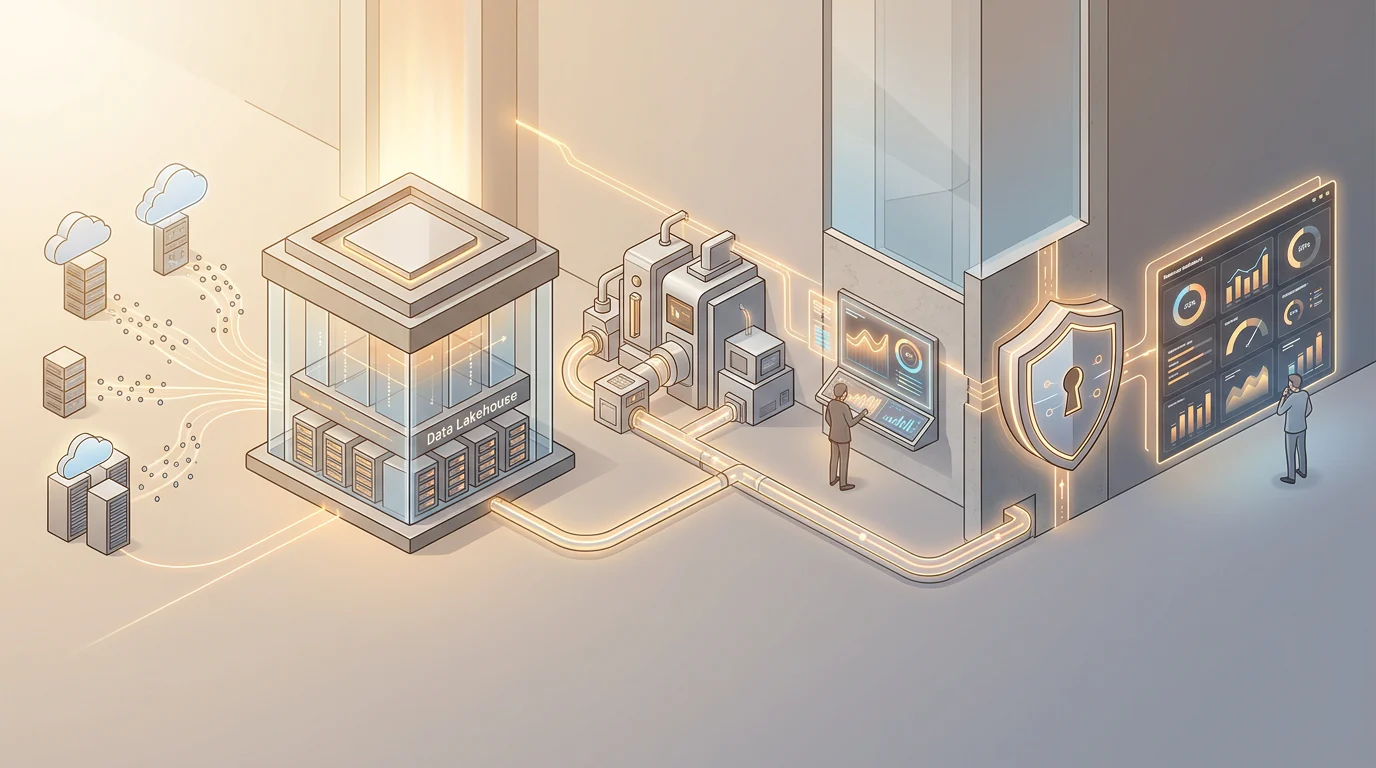
Start with a Lakehouse, then move to a Data Factory flow, then add a Warehouse or semantic model, and finally add real-time data where the business scenario needs it. This order lets you learn the shared data foundation before you introduce event timing and operational complexity.
What Should the Batch Route Produce?
Build a raw landing area, transform it into Delta tables, organize Bronze, Silver, and Gold layers, and create a queryable output. Then orchestrate the work through a pipeline and keep run evidence. Use modernization patterns when you need to explain how an existing process could move gradually into Fabric.
When Should You Add Real-Time Intelligence?
Add Real-Time Intelligence once you can explain the batch path and the business reason for faster action. The official London bike-share tutorial combines streaming and transformation with KQL, a Real-Time Dashboard, and a Power BI report. It is a useful example of how an event becomes something a business user can inspect.
What Should the Final Challenge Include?
Use a partial brief rather than complete instructions. Ask the learner to choose a source, implement a Lakehouse or Eventhouse design, define a failure response, assign access, test a late record, and produce a business-facing artifact. A batch and streaming guide can help when the design must account for both data shapes.
How Do You Extend a Guided Lab?
The most valuable extension changes the learner’s role from follower to implementer. Keep the original scenario and artifact, then add one constraint that was not already solved for you. The result should make your reasoning visible in code, configuration, and a short runbook.
Use the following additions selectively, based on the workload and scenario:
- Messy Data: Add duplicate, null, late, or schema-changing records and document how the pipeline detects them.
- Tests: Validate row counts, keys, schemas, business rules, and expected dashboard results before publishing.
- Security: Configure least-privilege workspace, item, or data access and record the intended user roles.
- Operations: Add failure notification, retry behavior, monitoring evidence, and a clear owner for investigation.
- Deployment: Parameterize environments, use source control, and document how a change moves from development to production.
- Recovery: Practice a replay, backfill, rollback, or restoration step after a deliberately introduced failure.
For teams deciding whether guided learning or project work is the better next investment, use a practical decision frame that weighs time, coaching, implementation support, and the evidence each route produces. The point is not to make a small lab artificially complex. It is to add the missing operational evidence that shows you understand what happens after the first successful run.
Build Your Fabric Practice with Vision Board
Vision Board helps Microsoft Fabric learners turn a scattered set of exercises into an intentional practice plan. We can help you choose a starting route, identify the lab artifact that proves a skill, and add the operational work that guided tutorials often leave to you. Our approach keeps the useful parts of official exercises while asking the questions a data team faces in delivery: What fails, who has access, how is the pipeline observed, and what changes between environments?
Use this index to select the next build, then keep evidence of the result in a repository, portfolio, or internal learning review. If your team needs a structured route from SQL, pipelines, Lakehouse work, and reporting into Fabric implementation, we can help you connect the exercises to the work you actually need to perform. We also make room for review checkpoints, peer feedback, and a clear next challenge after each completed artifact. Vision Board
FAQs on Microsoft Fabric Hands-On Labs
These answers help you choose a lab before committing time. Use the filters and realism score together, because duration alone does not show what an exercise proves.
Which Microsoft Fabric Labs Should I Start With?
Use the index filters to start with the workload and artifact you need, then compare duration, prerequisites, code access, scenario, and the disclosed realism score before committing time.
How Long Do Microsoft Fabric Hands-On Labs Take?
Official exercises commonly publish durations such as 20, 30, 45, or 60 minutes, while broader learning paths and workshops can require several hours or a full day.
What Do I Need Before Starting a Fabric Lab?
You usually need a Fabric-enabled workspace, assigned capacity, suitable permissions, source files, and sometimes an Azure subscription. Check each record’s environment and access requirements before starting.
Which Labs Help with DP-700 Preparation?
Prioritize labs covering ingestion, transformation, security, monitoring, optimization, and lifecycle management. Keep evidence from pipelines, notebooks, permissions, run histories, and troubleshooting decisions beside completed artifacts.
How Can I Judge Whether a Fabric Lab Is Realistic?
Review the seven-criterion score for messy data, architecture, integration, security, monitoring, testing, and recovery. Higher scores show more visible operational evidence, not guaranteed workplace outcomes.
Can I Turn a Guided Fabric Lab into a Portfolio Project?
Yes. Add messy inputs, tests, access controls, alerting, deployment steps, recovery procedures, and a concise README explaining the architecture, assumptions, results, and unresolved operational risks.