What Do Microsoft Fabric Interactive Exercises Actually Cover?
Microsoft Fabric interactive exercises: a workload-by-workload audit of what labs teach, their realism, gaps, and the best data engineer order.
What Do Microsoft Fabric Interactive Exercises Actually Cover?
Microsoft’s [Lakehouse learning path](https://learn.microsoft.com/en-us/training/paths/implement-lakehouse-microsoft-fabric/) contains seven modules for data analysts and data engineers, but a curriculum’s module count does not tell you what you can actually operate after deployment.
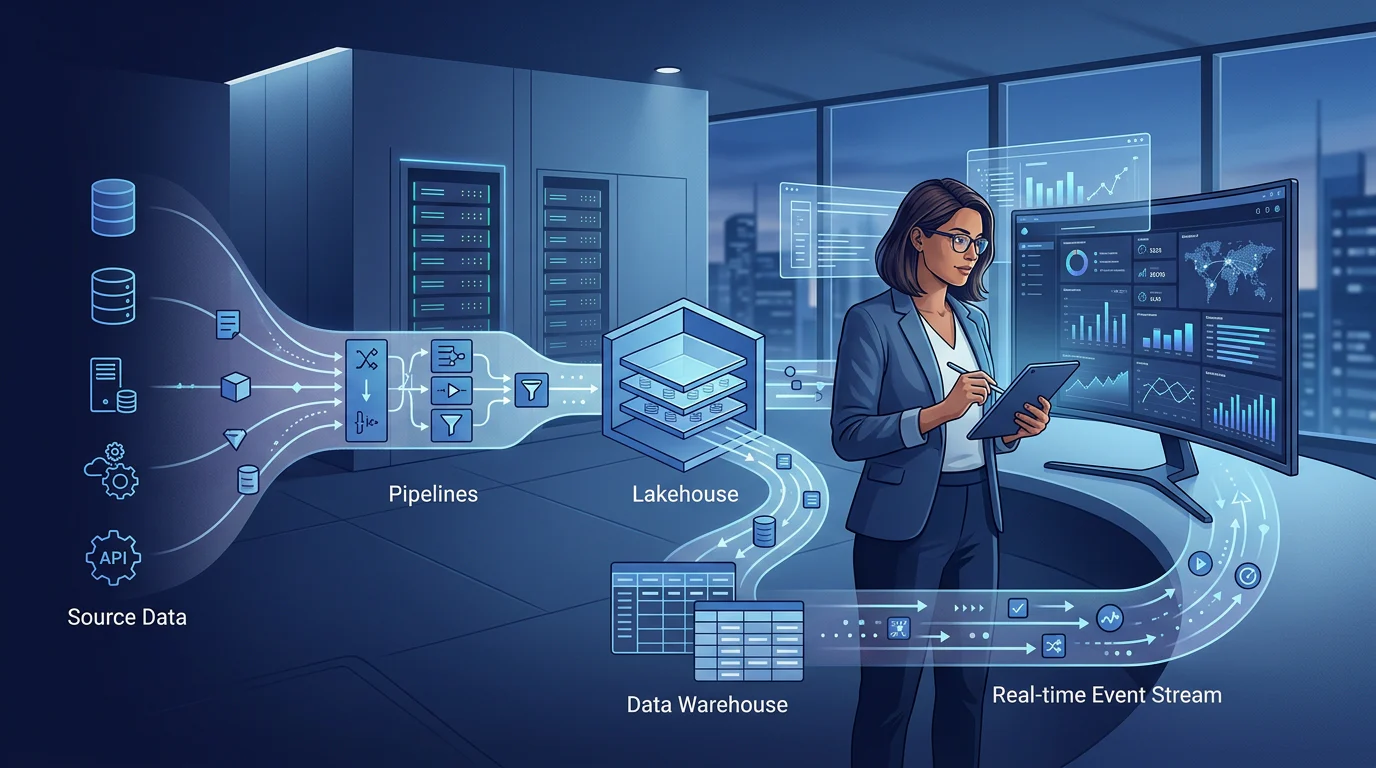
Microsoft Fabric interactive exercises teach the core mechanics of ingestion, Lakehouse storage, Spark, Delta, Warehouse, real-time analytics, semantic models, and Power BI. They are enough to learn how Fabric features connect, but not enough by themselves to prove production readiness because most labs do not require messy source data, deployment recovery, capacity decisions, or business acceptance evidence.
We built this audit to make the exercise catalog searchable by outcome, distinguish feature practice from operational practice, and show data engineers what to do next. It also fits into the broader question of how a unified analytics platform connects teams, workloads, and governed data.
What Do Microsoft Fabric Interactive Exercises Cover?
The current catalog contains 46 distinct interactive exercises. We assign each one primary workload so learners can find the shortest route to a desired artifact, while recognizing that several exercises naturally cross into adjacent workloads.
| Workload And Role Focus | Exercise And Official Lab Time | Artifact Built Or Configured | Practical Prerequisite | Realism Level | Missing Production Concerns |
|---|---|---|---|---|---|
| Foundations And OneLake, Data Engineer | Create A Lakehouse, 30 min Discover And Connect To OneLake, 30 min | Workspace, Lakehouse, files, Delta table, shortcut, SQL endpoint | Fabric capacity and basic navigation | Guided | Data contracts, access review, lifecycle controls |
| Data Engineering, Data Engineer | Analyze With Spark, 45 min Use Delta Tables, 45 min Create Medallion Architecture, 45 min Create Dataflows Gen2, 30 min Use Dataflow Copilot, 30 min Use Spark Copilot, 30 min Transform With Dataflows, 30 min Transform With Notebooks, 30 min Ingest With A Pipeline, 45 min | Notebooks, DataFrames, Delta tables, bronze/silver/gold layers, Dataflows, pipelines | Python or SQL basics help | Guided To Integrated | Schema drift, idempotency, recovery, performance baselines |
| Data Warehouse, Data Engineer | Analyze A Warehouse, 30 min Load With T-SQL, 30 min Query A Warehouse, 30 min Monitor A Warehouse, 30 min Secure A Warehouse, 45 min Use Warehouse Copilot, 30 min Transform With T-SQL, 45 min | Tables, views, stored procedures, dimensional model, permissions, query insights | SQL and dimensional-model basics | Guided To Integrated | Workload concurrency, release rollback, data reconciliation |
| Real-Time Intelligence, Data Engineer | Get Started With RTI, 30 min Use Eventstream, 30 min Use Activator, 30 min Work With An Eventhouse, 25 min Create Real-Time Dashboards, 25 min | Eventstream, Eventhouse, KQL query, dashboard, alert | Familiarity with Fabric basics | Integrated | Late events, replay, alert ownership, incident response |
| Data Science, Data Scientist Or Data Engineer | Get Started With Data Science, 20 min Explore With Notebooks, 30 min Use Data Wrangler, 30 min Track Models With MLflow, 25 min Generate Batch Predictions, 20 min | Notebook, experiment, model, batch predictions | Basic machine-learning concepts | Guided | Data drift, approval workflow, model monitoring |
| Semantic Models And Power BI, Data Analyst Or Data Engineer | Design For Scale, 30 min Create DAX, 45 min Optimize Performance, 30 min Enforce Semantic Security, 30 min Build A Dimensional Model, 30 min Prepare A Model For AI, 30 min | Star schema, DAX measures, RLS, performance fixes, AI-ready model | DAX and data-modeling knowledge | Guided To Integrated | User-concurrency tests, release validation, ownership |
| SQL Database And API, Developer Or Data Engineer | Work With SQL Database, 30 min Work With API For GraphQL, 30 min | SQL Database, views, role access, GraphQL endpoint | Relational database basics | Guided | API threat model, integration tests, change management |
| Fabric IQ And Data Agents, Analyst Or Data Engineer | Create An Ontology, 40 min Build Ontology From Semantic Model, 45 min Visualize Ontology Data, 30 min Build Data Agent With Ontology, 30 min Chat With Data Agent, 30 min | Ontology, relationships, agent instructions, natural-language queries | Semantic-model familiarity | Guided | Governance review, evaluation set, access abuse testing |
| Security And Governance, Data Engineer | Secure Data Access, 45 min Govern Analytics Data, 30 min | Workspace roles, item permissions, OneLake roles, lineage, endorsement | Identity and permission concepts | Integrated | Separation of duties, audit evidence, periodic access review |
| Operations And Lifecycle, Data Engineer | Monitor In Monitoring Hub, 30 min Implement Deployment Pipelines, 20 min Manage Semantic Lifecycle, 45 min | Run history, deployment stages, validation workflow | Workspace and content familiarity | Integrated | Branch strategy, rollback drill, production alert runbook |
The role labels mirror the workload paths in the Fabric training catalog, but the matrix adds the missing question: what must a learner decide, test, or recover without step-by-step instructions? That distinction matters when planning a governed lakehouse, not just completing a lab.
Which Exercises Build a Lakehouse Implementation?
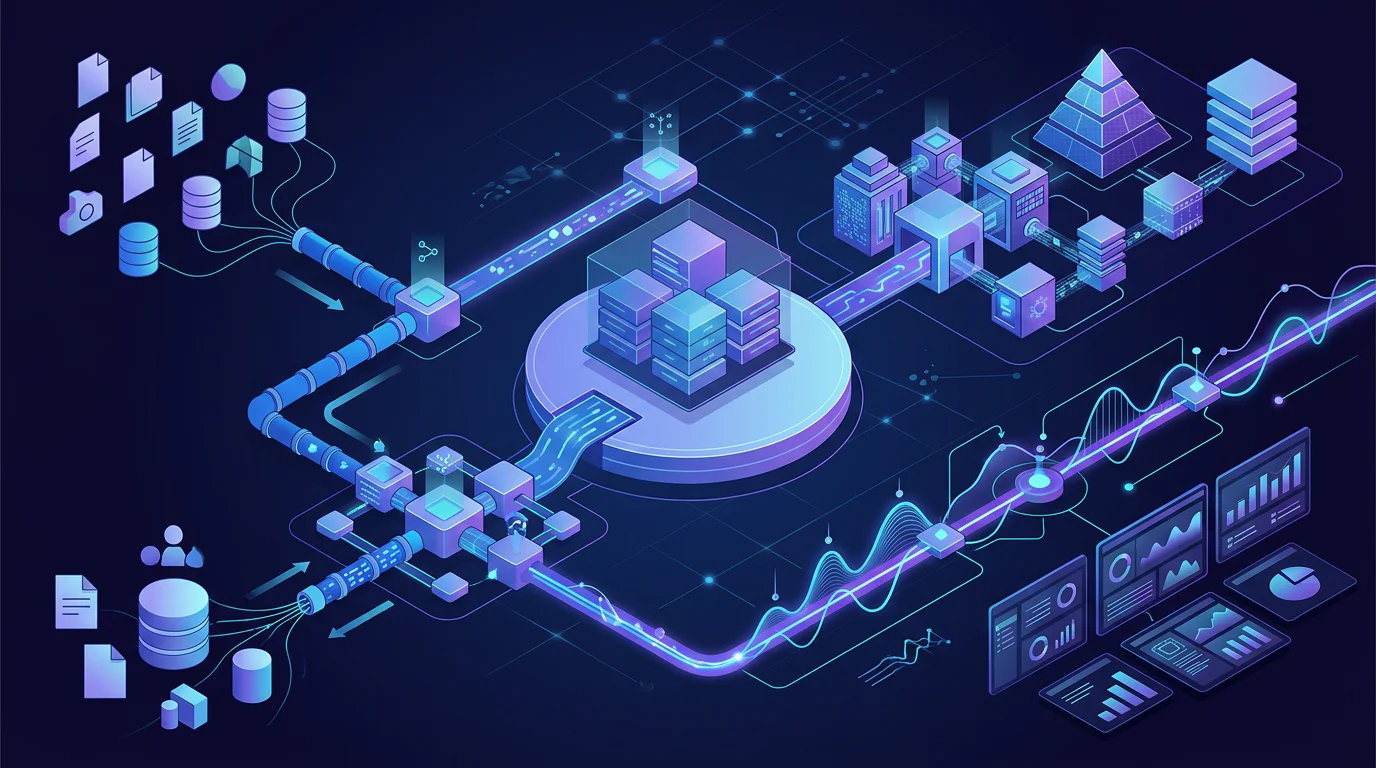
A Lakehouse implementation is not one exercise. It is a chain of dependencies: capacity and workspace first, then OneLake access, ingestion, transformation, Delta storage, curated modeling, and a serving layer for SQL or Power BI.
For data engineers, the most coherent chain is Create A Lakehouse, Analyze With Spark, Use Delta Tables, Create Medallion Architecture, Create Dataflows Gen2, and Ingest With A Pipeline. Add Warehouse loading when downstream users need dimensional SQL access, then move to semantic models when reporting requires shared measures and governed consumption. That sequence makes the handoffs visible instead of treating each lab as an isolated feature.
The critical connection is that pipelines and Dataflows move or shape data, notebooks implement repeatable transformations, and Lakehouse tables become the data contract for Warehouse and BI consumers. Learners who want to deepen the orchestration layer can pair this audit with our guide on how to build Azure data pipelines.
How Realistic Are Microsoft Fabric Interactive Exercises?
A realistic lab does not need real customer data, but it must make the learner confront realistic decisions. We score each exercise on whether the instructions require evidence beyond a successful screen, query result, or completed task.

What Are the Eight Realism Criteria?
| Criterion | 0 Points | 1 Point | 2 Points |
|---|---|---|---|
| Source Messiness | Clean supplied data only | Minor issue shown | Learner resolves realistic defects |
| Scale | No scale consideration | Technique mentioned | Trade-off tested with evidence |
| Security | Absent | Fixed permission setup | Least-privilege design and verification |
| Git And Deployment | Absent | Promotion or versioning demonstrated | Branch, deploy, validate, and remediate |
| Observability | Absent | Run or query state viewed | Signal, threshold, and response defined |
| Failure Handling | Absent | Warning or rerun only | Failure injected and recovery proven |
| Performance | Absent | Optimization described | Baseline, change, and measured result |
| Business Acceptance | Absent | Output visually checked | Reconciliation or SLA criteria met |
A score of 0 to 5 is a guided walkthrough. A score of 6 to 10 is an integrated scenario. A score of 11 to 16 is a production simulation. We use these rules because a feature can be useful and still leave the operational work untouched.
What Does the Scorecard Reveal?
Lakehouse, Spark, Delta, Dataflow, and Warehouse exercises are strong at showing how an artifact is created. Security, monitoring, and lifecycle exercises raise the realism ceiling because they introduce permissions, query activity, deployment stages, and validation. However, learners are rarely asked to combine all eight criteria in a single assignment.
That conclusion is consistent with the fact that OneLake security rules distinguish object, column, and row controls. Seeing one control configured is valuable, but proving that access remains correct after a deployment, a data change, and a role change is an operational test. For a second opinion on the distinction, see our Fabric lab realism audit.
Which Format Should You Choose?
| Learning Format | What It Proves | Typical Evidence | What It Does Not Prove |
|---|---|---|---|
| Guided Feature Walkthrough | You can follow a Fabric feature flow | Created item, query result, dashboard | Independent engineering judgment |
| Integrated Scenario | You can connect several Fabric items | Pipeline-to-Lakehouse or Lakehouse-to-Warehouse handoff | Operational controls over time |
| Production Simulation | You can operate against stated conditions | Secure deployment, recovery test, alert, performance baseline, reconciliation | A production certification or live delivery record |
What Production Skills Do Fabric Labs Leave Out?
The missing work is not a criticism of guided learning. It is the work that should begin after guided learning, when the goal changes from feature familiarity to a system another person can trust, inspect, and maintain.
- Messy Inputs: Add duplicate records, malformed files, late-arriving data, and changed schemas. Define what is quarantined, corrected, or rejected.
- Recovery Design: Force a pipeline failure after a partial load. Prove that the rerun is idempotent and document who owns the response.
- Capacity Evidence: Record a baseline before optimization, test a realistic query pattern, then explain the impact of a storage or model change.
- Release Controls: Use separate development, test, and production workspaces. Define validation before promotion and a rollback path after a failed release.
- Acceptance Criteria: Reconcile source and target counts, amounts, freshness, and business-rule exceptions before calling a load successful.
Fabric documentation makes these concerns concrete. Current deployment pipeline limits include a maximum of 300 items in one deployment and failures caused by circular or self dependencies. That is why a production-ready exercise must test dependencies and rollback thinking, not only content promotion. These are the same habits explored in our Azure Lakehouse engineering material.
What Order Should Data Engineers Complete Fabric Exercises?
Start with a small route that compounds. The goal is to understand how data moves through the platform before specializing in real-time analytics, semantic-model tuning, or machine-learning workloads.
Start with Storage and Transformation
- Create A Lakehouse, 30 minutes.
- Discover And Connect To OneLake, 30 minutes.
- Analyze With Spark, 45 minutes.
- Use Delta Tables, 45 minutes.
- Create Medallion Architecture, 45 minutes.
This stage establishes files, tables, schemas, notebooks, and curated layers. Do not skip Delta tables or medallion design if your target role includes Lakehouse implementation.
Add Reliable Movement and Serving
- Create And Use Dataflows Gen2, 30 minutes.
- Ingest With A Pipeline, 45 minutes.
- Load A Warehouse With T-SQL, 30 minutes.
- Secure Data Access, 45 minutes.
- Monitor A Warehouse, 30 minutes.
- Implement Deployment Pipelines, 20 minutes.
The selected route totals 395 minutes, or 6 hours 35 minutes of stated lab time, before setup and troubleshooting. The warehouse monitoring module is especially useful here because it covers capacity usage, current activity, and query trends.
Only then branch into Real-Time Intelligence, advanced semantic models, Fabric IQ, or data science. Learners who want a calendar-based progression can combine this sequence with our 90-day roadmap.
How Can Vision Board Help You Turn Labs into Project Practice?
At Vision Board, we treat a completed lab as a starting point, not a verdict on readiness. Our Microsoft Fabric learning work is built around the moment a guided exercise ends: turning a Lakehouse, pipeline, Warehouse, or semantic model into evidence of engineering judgment. We help teams choose a realistic sequence, introduce imperfect inputs, define security boundaries, build reconciliation checks, and explain performance and recovery choices. That approach lets learners retain the value of official exercises while practicing the decisions employers and delivery teams actually inspect. We also make the output reviewable, with artifacts that show what changed, why it changed, and how success was tested. Participants can compare their work against transparent criteria instead of assuming that a successful click-through proves operational capability. If you want a structured route from feature familiarity to clearer project evidence, explore our Microsoft Fabric options through Vision Board
FAQs on Microsoft Fabric Interactive Exercises
Here are concise answers.
What Do Microsoft Fabric Interactive Exercises Cover?
These exercises provide guided practice in Lakehouse, Data Factory, Spark, Delta, Warehouse, real-time analytics, semantic models, Power BI, security, governance, and lifecycle work across Fabric.
Which Exercises Teach Lakehouse Implementation?
Start with Lakehouse creation, Spark analysis, Delta tables, and medallion architecture. Continue with Dataflows Gen2 and pipelines, then Warehouse loading and semantic-model consumption for reliable reporting teams.
Are Microsoft Learn Fabric Exercises Enough for Data Engineers?
Microsoft Learn exercises build feature familiarity. Data engineers still need independent practice with imperfect sources, access design, deployment validation, monitoring, recovery, performance trade-offs, and acceptance criteria.
What Order Should I Complete Microsoft Fabric Exercises?
Begin with Lakehouse and OneLake foundations, then complete Spark, Delta, medallion, Dataflows, and pipelines. Add Warehouse, security, monitoring, and deployment before specialized workloads such as real-time analytics.